
Passport Requirements for the Aruba ED Card

Essential passport validity and documentation requirements for your Aruba ED Card application

Start Your Application Required Information

Understanding Passport Requirements for Aruba Entry

When completing your Aruba ED Card application, your passport is the most critical document you'll need. Understanding the specific passport requirements ensures your application is processed smoothly and prevents any complications at immigration.

The Aruba Embarkation and Disembarkation (ED) Card requires accurate passport information, and your physical passport must meet certain validity and condition standards. These requirements are in place to ensure seamless entry into Aruba and compliance with international travel regulations.

Key points to remember:

  • Your passport must be valid for at least 6 months beyond your planned departure from Aruba
  • Passport information must be entered exactly as it appears in your document
  • Emergency travel documents may not be accepted
  • Children and infants need their own valid passports
  • Damaged or illegible passports may cause entry issues

Passport Validity Requirements

Critical validity standards your passport must meet
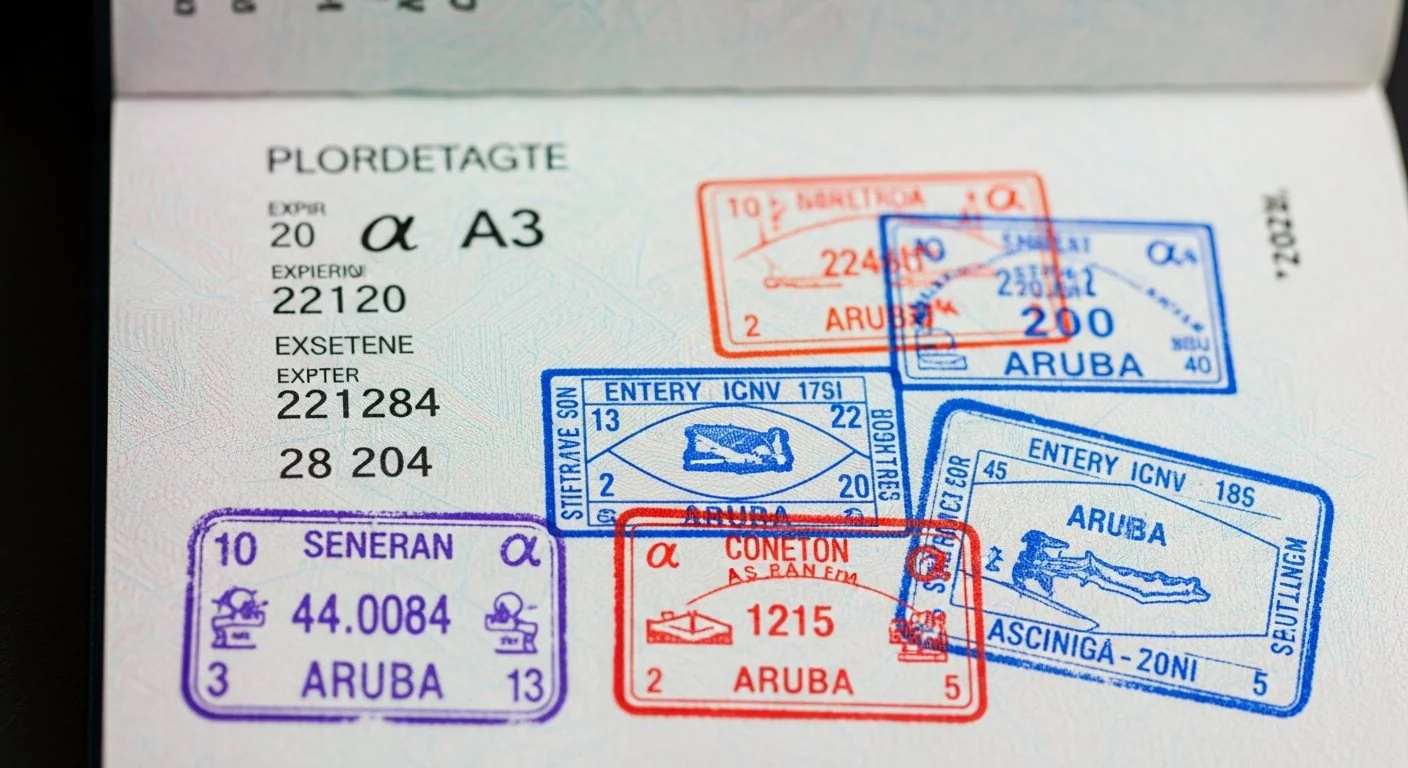
Valid passport with expiration date check

Minimum Validity Period

The most important passport requirement for Aruba entry is the 6-month validity rule. Your passport must remain valid for at least six months beyond your planned departure date from Aruba, not just your arrival date.

Why the 6-month rule exists:

  1. International standard: Many countries require this buffer period to account for unexpected travel delays or extensions
  2. Emergency situations: Provides time for unforeseen circumstances that might extend your stay
  3. Immigration compliance: Ensures travelers have valid documentation throughout their entire visit
  4. Return travel: Guarantees you can legally return to your home country

Example calculation: If you plan to depart Aruba on July 15, 2026, your passport must be valid until at least January 15, 2027.

Application Timeline

Passport Condition and Physical Requirements

Document Condition Standards

Beyond validity dates, your passport must meet specific physical condition requirements to be accepted for the Aruba ED Card and entry into Aruba.

Required passport conditions:

  • Readable information: All text, including your name, passport number, and dates, must be clearly legible
  • Intact pages: No torn, missing, or severely damaged pages
  • Clear photo: Your passport photo must be recognizable and undamaged
  • Machine-readable zone: The bottom section with encoded data must be intact and scannable
  • Blank pages: At least one completely blank page for entry stamps
  • No water damage: Pages should not be water-stained or illegible due to moisture

Common issues that may cause problems:
  • Excessive wear and tear on the cover or pages
  • Unofficial markings, stamps, or writing
  • Separated or loose pages
  • Faded or smudged text
  • Bent or creased machine-readable zone
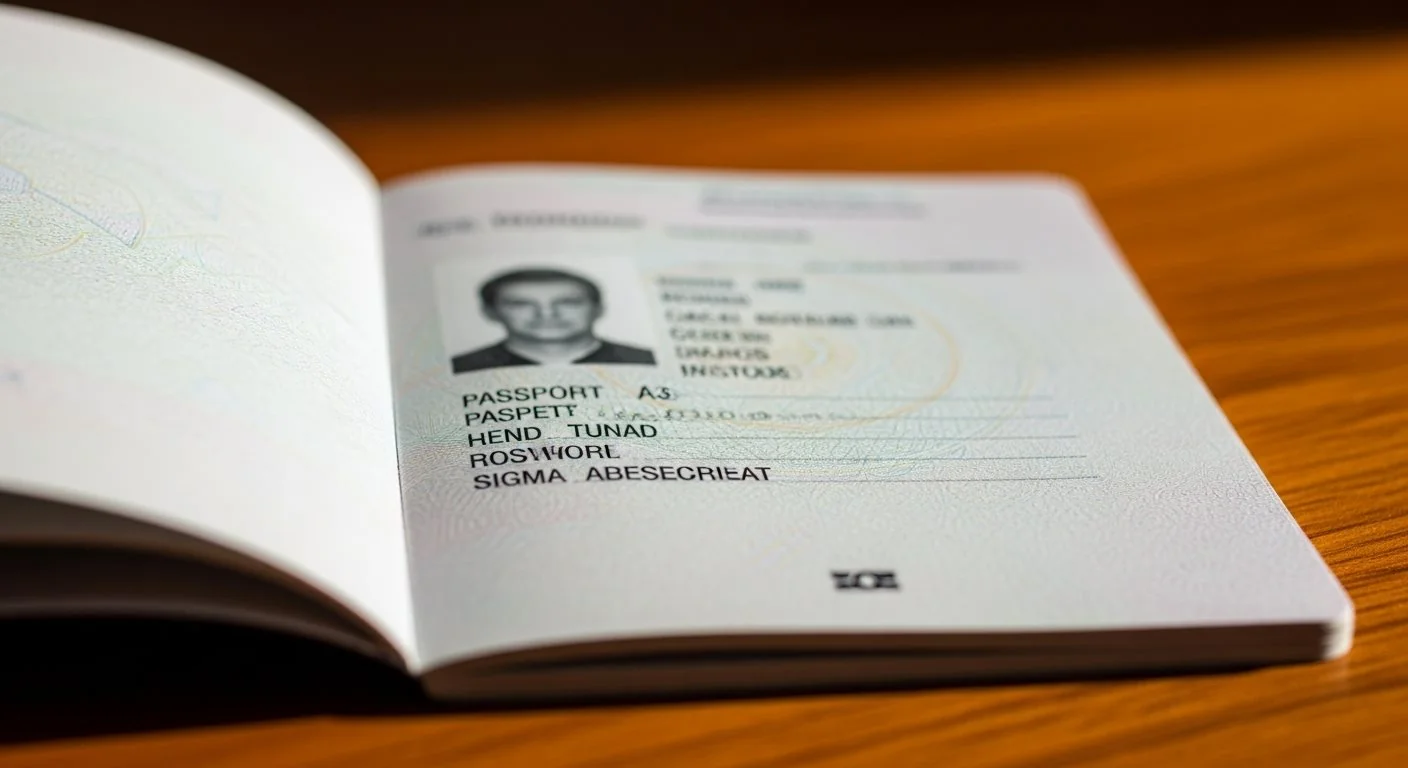
Passport in good condition with readable information

Accepted Passport Types

Regular Passports

Standard travel passports issued by your country's government are fully accepted for the Aruba ED Card application.

  • Tourist passports
  • Ordinary passports
  • Regular citizen passports

These are the most common passport types and are accepted without any special requirements.

Diplomatic & Service Passports

Special category passports for government officials and diplomats are accepted.

  • Diplomatic passports
  • Service passports
  • Official passports

Holders still need to complete the ED Card application unless specifically exempted.

Emergency Documents

Emergency travel documents may have restrictions and should be verified before travel.

  • Emergency passports
  • Temporary travel documents
  • Laissez-passer documents

Contact Aruba immigration authorities to confirm if your emergency document is acceptable.

How to Enter Passport Information Correctly

Step-by-step guide to avoid common errors

Entering your passport information accurately in the Aruba ED Card application is crucial. Even minor discrepancies can lead to application rejection or problems at immigration.

Critical Passport Data Fields

1. Passport Number

  • Enter exactly as shown on your passport
  • Include all letters and numbers
  • Pay attention to similar-looking characters (0 vs O, 1 vs I)
  • Do not add spaces or dashes unless they appear in your passport
  • Double-check for transposed digits

2. Full Name

  • Enter your name exactly as it appears in your passport
  • Include all middle names if shown
  • Maintain the same spelling, even if it differs from other documents
  • Include hyphens, apostrophes, or special characters as shown
  • Use the same order (surname/given name) as your passport

3. Date of Birth

  • Use the exact date shown in your passport
  • Pay attention to the date format (DD/MM/YYYY or MM/DD/YYYY)
  • Verify the year carefully

4. Passport Issue and Expiry Dates

  • Enter the issue date exactly as shown
  • Verify the expiration date meets the 6-month validity requirement
  • Ensure dates are in the correct format

5. Nationality and Country of Issue

  • Select the country that issued your passport
  • This may differ from your country of birth or residence
  • Use the country name as it appears in your passport

Common Passport-Related Application Errors

โš ๏ธ

Typos in Passport Number

The most common error is mistyping the passport number. Always verify character by character before submitting.

๐Ÿ“…

Incorrect Expiry Date

Entering the wrong expiration date or using a passport that doesn't meet the 6-month validity requirement.

โœ๏ธ

Name Spelling Errors

Spelling your name differently than it appears in your passport, even by one letter, can cause issues.

๐Ÿ”„

Using Old Passport Info

Accidentally using information from an expired or previous passport instead of your current one.

View All Common Errors

Special Passport Situations

If your passport will expire within 6 months of your planned departure from Aruba, you should renew your passport before applying for the ED Card. Applying with a passport that doesn't meet the validity requirement will likely result in rejection.

Steps to take:

  1. Apply for passport renewal immediately
  2. Wait to receive your new passport
  3. Complete your Aruba ED Card application with the new passport information
  4. Ensure you travel with the same passport used in your ED Card application

Processing times for passport renewals vary by country, so start this process well in advance of your travel dates.

Yes, every traveler to Aruba must have their own valid passport, regardless of age. This includes newborns and infants.

Children cannot be listed on a parent's passport for entry to Aruba. Each child needs:

  • Their own individual passport
  • A separate ED Card application
  • Passport validity of at least 6 months beyond departure

Parents or guardians complete the ED Card application on behalf of minors using the child's passport information.

If you hold multiple passports, you must use the same passport for both your ED Card application and your actual travel to Aruba.

Important considerations:

  • Choose the passport you'll use for travel before applying
  • Ensure that passport meets all validity requirements
  • Complete the ED Card with information from that specific passport
  • Present the same passport at check-in and immigration
  • You cannot switch passports after submitting your ED Card

If you need to use a different passport, you must submit a new ED Card application with the correct passport information.

If you renew your passport after submitting your ED Card application, you will need to submit a new ED Card application with your new passport information.

Steps to follow:

  1. Complete a new ED Card application using your new passport details
  2. Ensure all information matches your new passport exactly
  3. Save the new confirmation email
  4. Travel with your new passport and new ED Card confirmation

The ED Card is linked to your specific passport number, so any change in passport requires a new application. Learn more about correcting your ED Card application.

Damaged passports may be rejected at immigration, even if you have an approved ED Card. Immigration officers have the authority to deny entry if they cannot verify your identity or passport authenticity.

Types of damage that may cause issues:

  • Water damage affecting readability
  • Torn or missing pages
  • Damaged or illegible photo
  • Compromised machine-readable zone
  • Excessive wear making text unreadable

If your passport is damaged, apply for a replacement before your trip. It's better to delay travel than risk being denied entry to Aruba.

Passport Verification Checklist

Complete this checklist before starting your ED Card application

Before You Apply

Use this checklist to ensure your passport meets all requirements:

โœ“ Validity Check:

  • Passport is valid for at least 6 months beyond your departure from Aruba
  • Expiration date is clearly visible and readable

โœ“ Condition Check:

  • All pages are intact with no tears or missing sections
  • Photo is clear and recognizable
  • Personal information is legible
  • Machine-readable zone is undamaged
  • At least one blank page available for stamps

โœ“ Information Verification:

  • Passport number is clearly visible
  • Name spelling is confirmed
  • Date of birth is verified
  • Issue and expiry dates are noted
  • Nationality/country of issue is identified

โœ“ Special Situations:

  • If traveling with children, each has their own passport
  • If holding multiple passports, chosen which to use
  • No passport renewal planned before travel
Traveler checking passport requirements before application
Start Your ED Card Application View All Requirements

Related Information

๐Ÿ“‹

Required Information

Complete list of all information needed for your application

View Requirements
๐Ÿ‘จโ€๐Ÿ‘ฉโ€๐Ÿ‘งโ€๐Ÿ‘ฆ

Traveling with Minors

Special requirements for children and family travel

Minors Guide
โœ๏ธ

Correcting Errors

How to fix mistakes in your submitted application

Correction Guide
โ“

FAQ

Answers to frequently asked questions

View FAQs

Need Help with Your Application?

Our support team is here to assist you

๐Ÿ“ž

Phone Support

English:
+44 2031 293 603

Polish:
+48 32 431 00 11

โœ‰๏ธ

Email Support

Available 24/7

support@evisa.express

๐Ÿ“–

Application Guide

Step-by-step instructions for completing your ED Card

View Guide
๐Ÿ”

Check Status

Track your application progress

Check Status